 Jill Bassett
Projects 2013: Favorite Projects
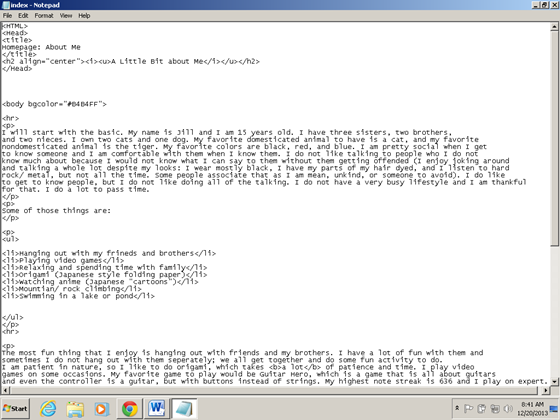
These are a few of my favorite projects that I have done for one of my classes in school.
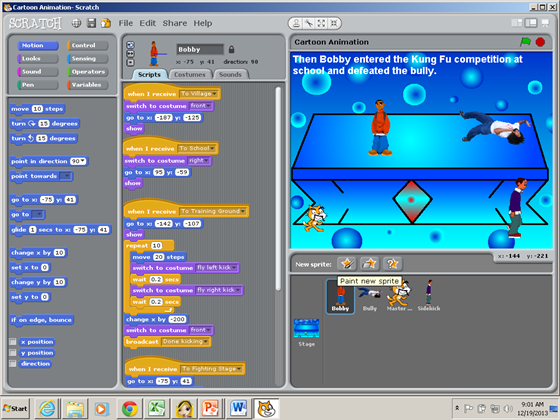
The scratch with the fight scene is my next favorite. I had a bit of a challenge with that because there were so many different things that I had to do. One thing that was a bit hard to me was setting all of the different tasks for the sprites. Different sprites had to show up and hide on different scenes. It was hard to keep up with who had to be on what scene and set it up so only the certain sprites were showing. I learned that it is difficult to have an idea and then try to make it come to life on the computer. Scratch is quite easy, but it is hard to get the sprites to do what I wanted them to do. I learned from my mistakes though so I won’t make them again.
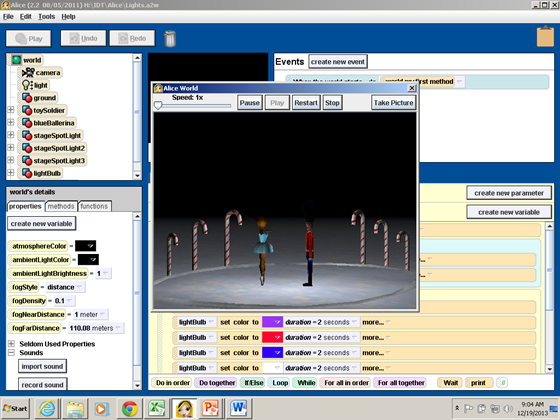
The two dancers is my third favorite of all my projects. Having the dancers dance around was really easy, but the lights were a bit difficult to do. I learned to fix the lights just right though. There are four lights on the scene even though they are not visible. One is above, another is on the right side facing the nutcracker, another facing the ballerina, and the last is a light that is placed between the two dancers that changes colors when the dancers are done. The lights were a bit hard to position the right way, but I was able to get it figured out. The center light was probably the easiest light to change. It was set up just right without me moving it around and adding colors to it was pretty easy.
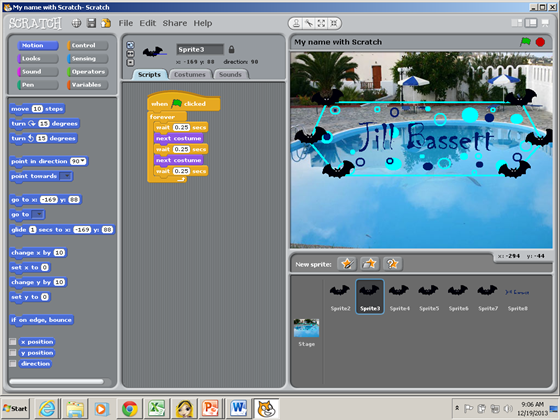
My next-to-last favorite is the use of scratch to make my name do different things. I added a few bats that flap their wings in sync with each other and it was fairly easy. I wanted to make all the bats fly around the hexagon, but that was too time-consuming. It was probably the easiest thing that I have learned, but I still liked having to make the bats’ wings flap in perfect of order.
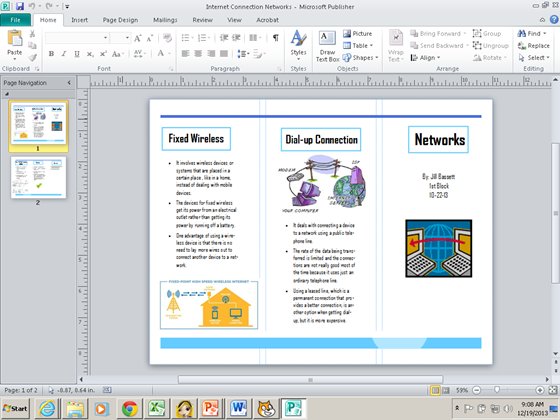
The last of my favorites is the network comparison using publisher. I like to compare different things and stating my opinion, but I ended up having to do it twice. When I saved the brochure the first time and tried to pull it back up, it did not load. I was pretty sure that I saved it correctly, but I did it over anyway. I had gotten more information the second time then I did the first time. From having to do the project over again, I quickly learned that I should keep it pulled up, minimize it, and then see if I can find the work that I have done.
Comments: 0
There are no comments yet, be the first to write a comment!